




How It Works
Generate Videos with Voiceover and Subtitles
Our platform enables users to create videos with integrated voiceovers and colored subtitles, significantly enhancing the accessibility and engagement of the content. The process is straightforward:
- Voiceover Integration: Users can either record their voiceovers directly through the platform or upload pre-recorded audio files. Our AI then seamlessly integrates these voiceovers into the video.
- Colored Subtitles: To further enhance the video, users can add colored subtitles. This feature not only makes the content more accessible to a wider audience but also allows for greater customization in terms of font, color, and placement.
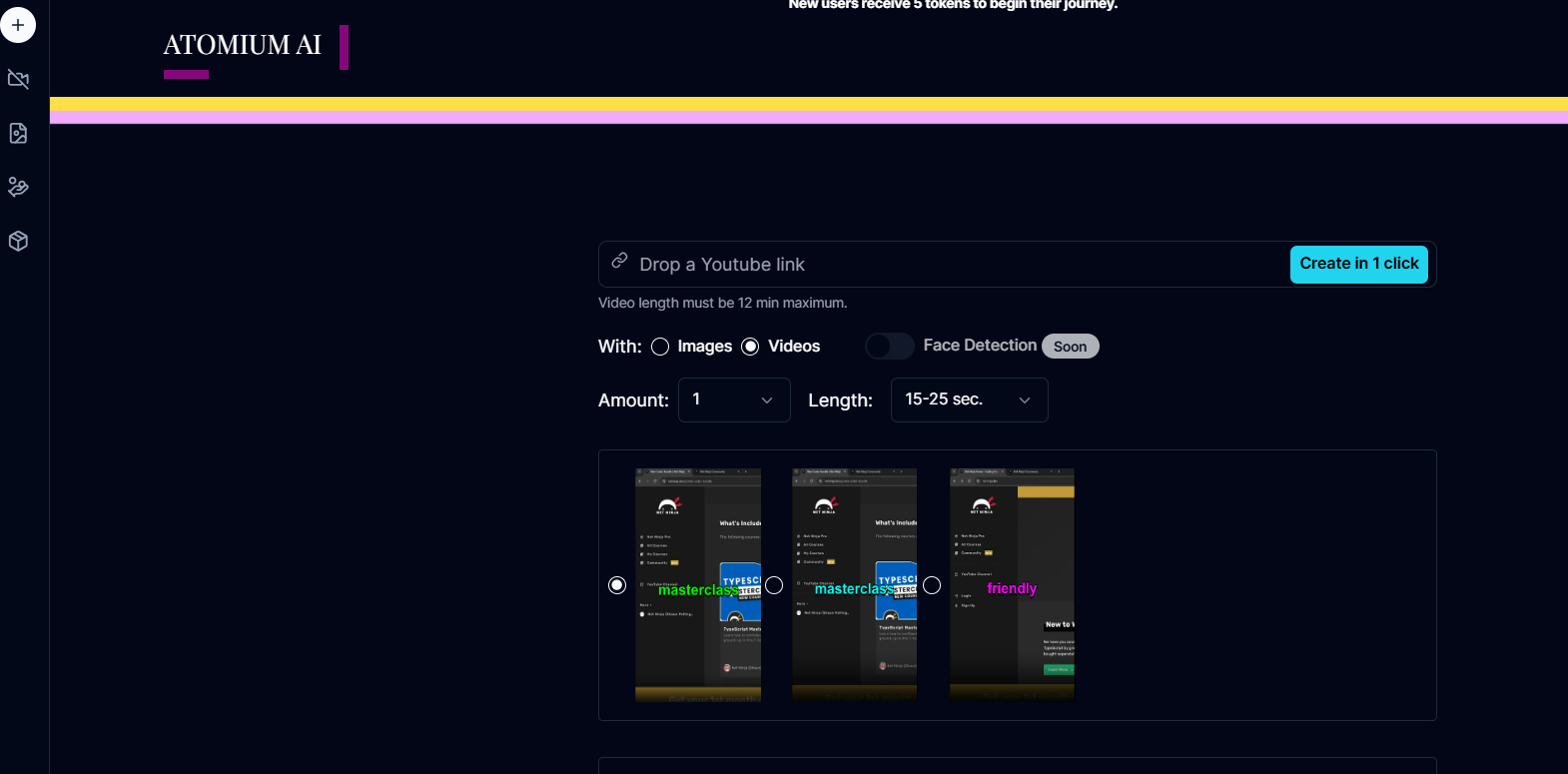
These features ensure that your videos are not only informative but also visually appealing and accessible to all viewers.
Behind the Scenes
The voiceover and subtitle integration process leverages natural language processing (NLP) and speech synthesis technologies:
- Voice Processing: Speech recognition algorithms convert audio files into text, enabling precise timing and synchronization with the video.
- Subtitle Generation: NLP models generate accurate and contextually appropriate subtitles.
- Customization and Synchronization: AI ensures that subtitles and voiceovers are perfectly aligned with the visual content, providing a seamless viewing experience.
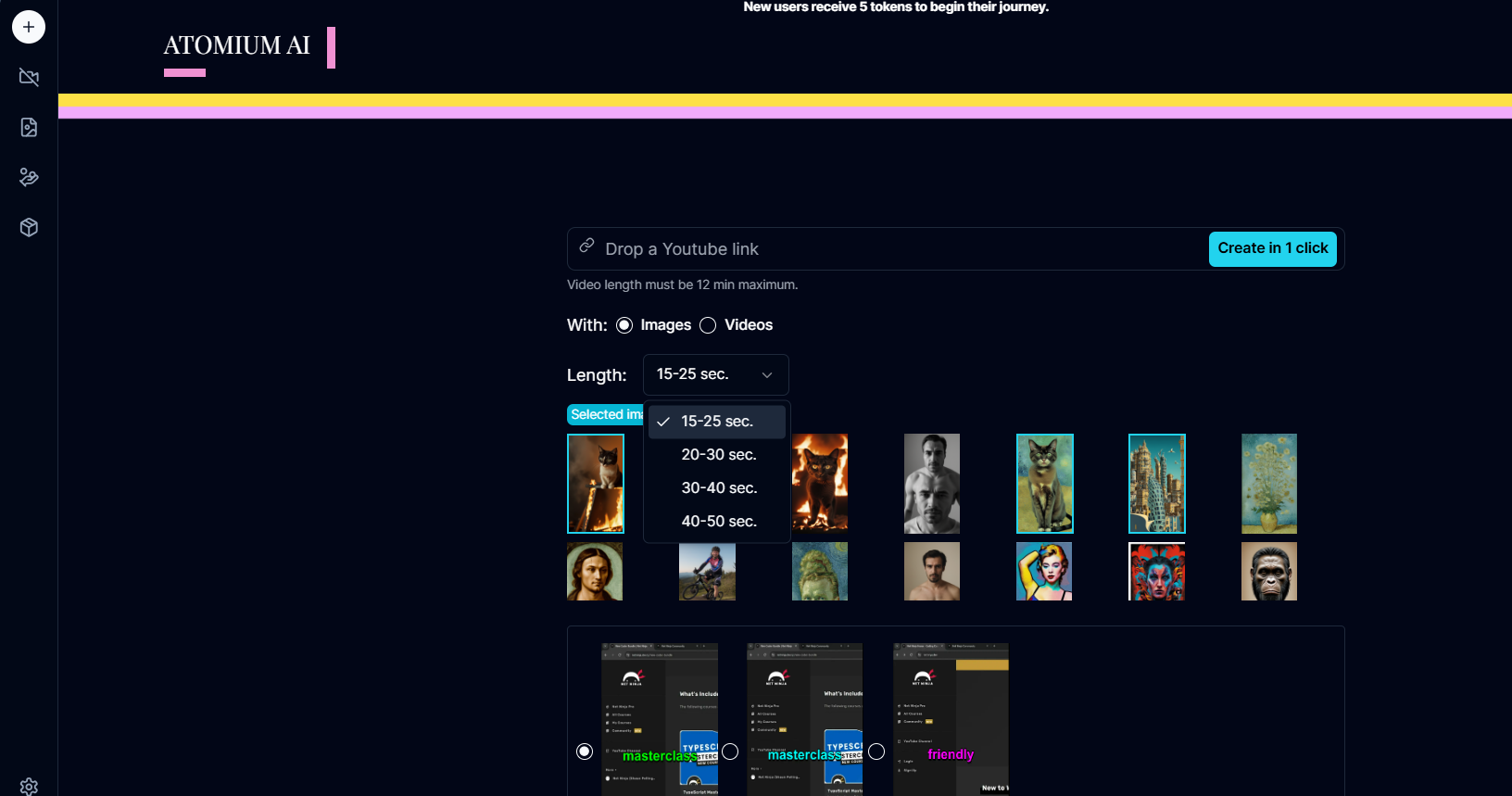
Add Effects and Customize Length
Our tool offers a variety of effects that can be added to your videos, allowing you to create dynamic and engaging content. Users can choose from a wide range of visual effects, such as transitions, filters, and animations, to enhance the overall look and feel of their videos. Additionally, users have the ability to specify the desired length of their videos, ensuring that the final product meets their exact specifications. Whether you need a short clip for social media or a longer video for a presentation, our platform provides the flexibility to create videos of any length.
Behind the Scenes
Adding effects and customizing video length involves several advanced video processing techniques:
- Effect Application: AI applies the chosen effects to the video frames, ensuring smooth transitions and consistent quality.
- Length Adjustment: The video is trimmed or extended based on user specifications, maintaining synchronization of audio and visual elements.
- Rendering: The final video is rendered in high resolution, incorporating all selected features and customizations.
Generate Images
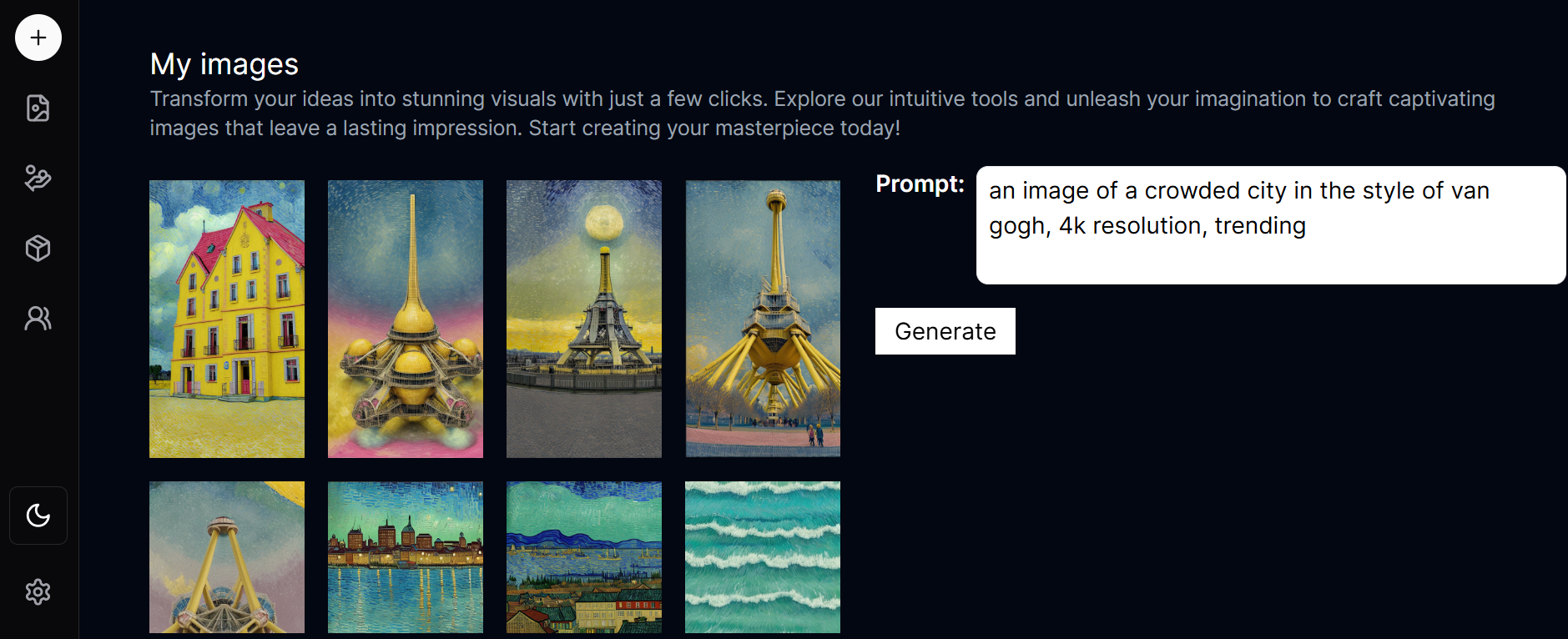
With our AI-powered tool, users can easily generate high-quality images tailored to their needs. These images are produced using sophisticated algorithms that ensure unique and visually appealing results every time. Once generated, the images are automatically added to the user's personal collection, making it easy to manage and access them whenever needed. Whether you're looking for creative inspiration, visual content for a project, or simply exploring the possibilities of AI-generated art, our tool provides an intuitive and efficient solution.
Behind the Scenes
Our image generation feature utilizes advanced machine learning models trained on vast datasets of visual content. These models are capable of understanding and replicating various styles, textures, and patterns, resulting in highly realistic and creative images. The process involves:
- Data Input: Users provide initial parameters or input images.
- AI Processing: The AI model analyzes the input and generates images based on learned patterns.
- Quality Enhancement: Post-processing techniques are applied to enhance the quality and resolution of the images.
Import Songs
To further personalize and enhance your videos, our platform allows users to import their favorite songs. This feature supports a wide range of audio file formats, making it easy to incorporate music that complements your video content. Users can:
- Upload Audio Files: Simply upload your preferred audio files directly to the platform.
- Sync Music with Video: Adjust the timing and placement of the music to ensure it aligns perfectly with your video.
By adding your own music, you can create a more engaging and memorable viewing experience for your audience.
Behind the Scenes
The music integration process involves:
- Audio Processing: AI analyzes the audio file to determine the best synchronization points.
- Timing Adjustment: The music is timed to align with the video’s key moments and transitions.
- Mixing and Rendering: Audio and video are mixed to create a cohesive final product, with balanced sound levels and synchronized timing.
Generate Videos from YouTube URLs
One of the standout features of our AI tool is the ability to generate videos based on existing YouTube URLs. This feature allows users to:
- Import YouTube Content: Simply input the URL of the YouTube video you want to enhance.
- AI Enhancement: Our AI analyzes the video and applies various enhancements, such as improved resolution, added effects, and voiceover integration.
- Customization: Users can further customize the enhanced video by adding subtitles, importing music, and adjusting the length and effects.
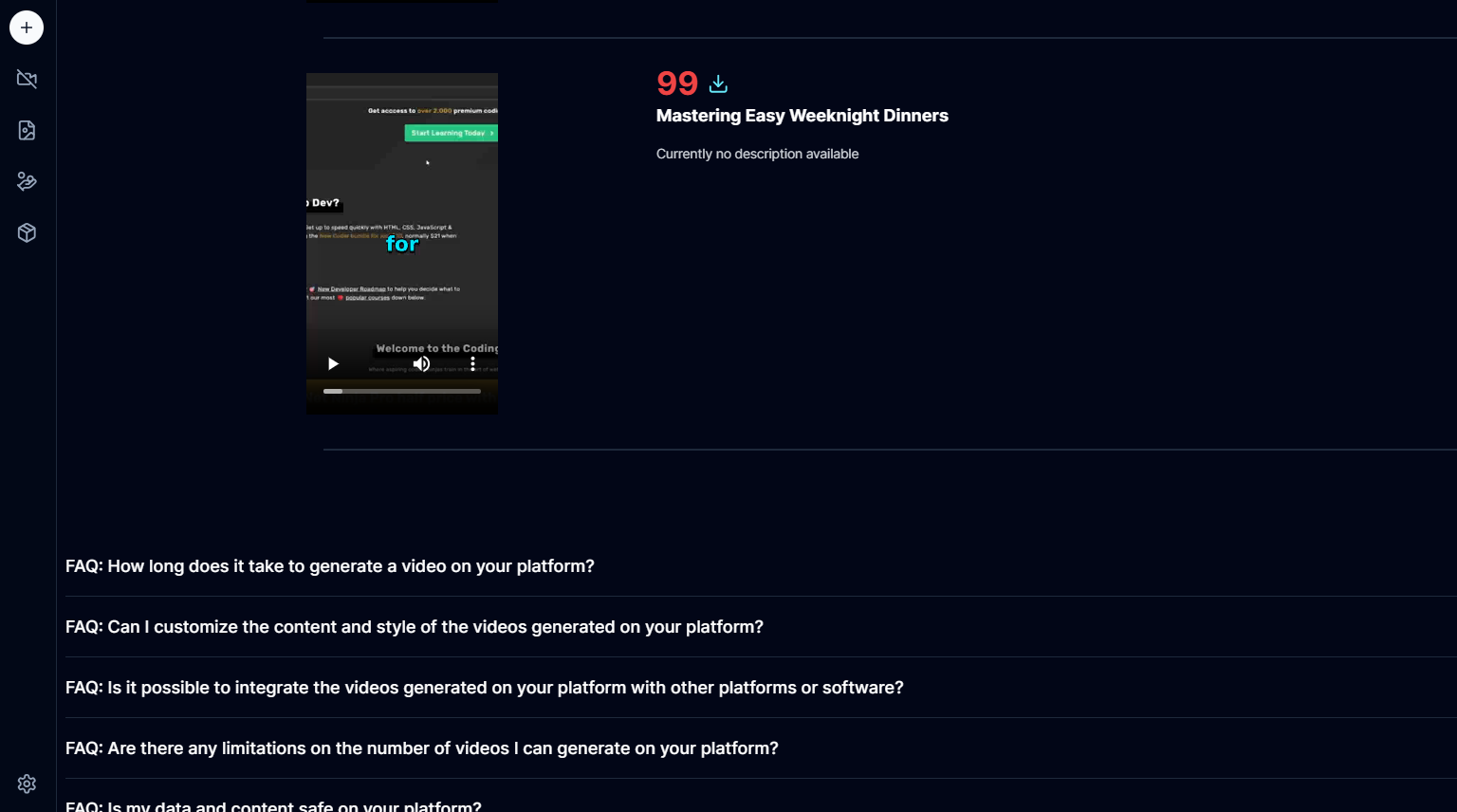
This feature is particularly useful for creating new versions of popular content, offering fresh perspectives, and making existing videos more engaging and accessible.
Behind the Scenes
Generating videos from YouTube URLs involves several steps:
- Video Retrieval: The YouTube video is downloaded and converted into a format suitable for processing.
- Content Analysis: AI models analyze the video’s content, identifying key elements such as scenes, audio, and text.
- Enhancement and Customization: The video is enhanced with improved resolution and effects. Users’ customizations, such as subtitles and music, are then integrated.
- Final Rendering: The enhanced and customized video is rendered, ready for download and use.
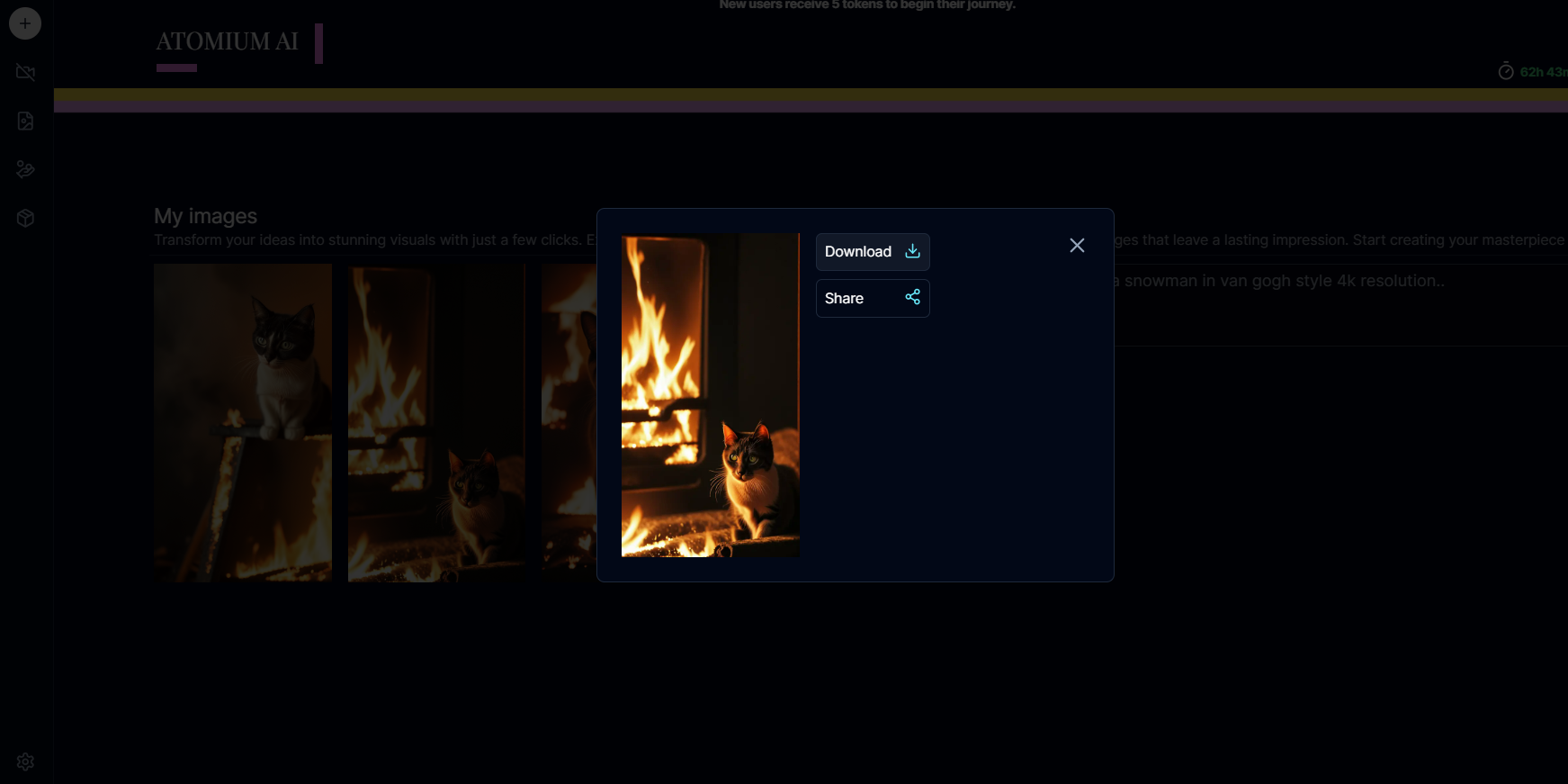
By leveraging these advanced features, users can create high-quality, customized videos and images with ease. Our platform combines the power of AI with user-friendly tools, making it simple for anyone to produce professional-grade content.